Sector Space Wiki
HomeBeginnerShips & FleetExplorationCombatMining & CraftingTrading & SalvageColonies & StationsTier ListMods

Unofficial Sector Space wiki

Sector Space: a cozy 2D space sandbox on Steam

Sector Space is a single-player 2D space sandbox with retro pixel graphics. This wiki collects the guides that answer real player questions about the first save, ship classes, mining and crafting, Jump Drives, combat math, trading, colonies, and installing SSFML mods.
Open Beginner guideBrowse guides
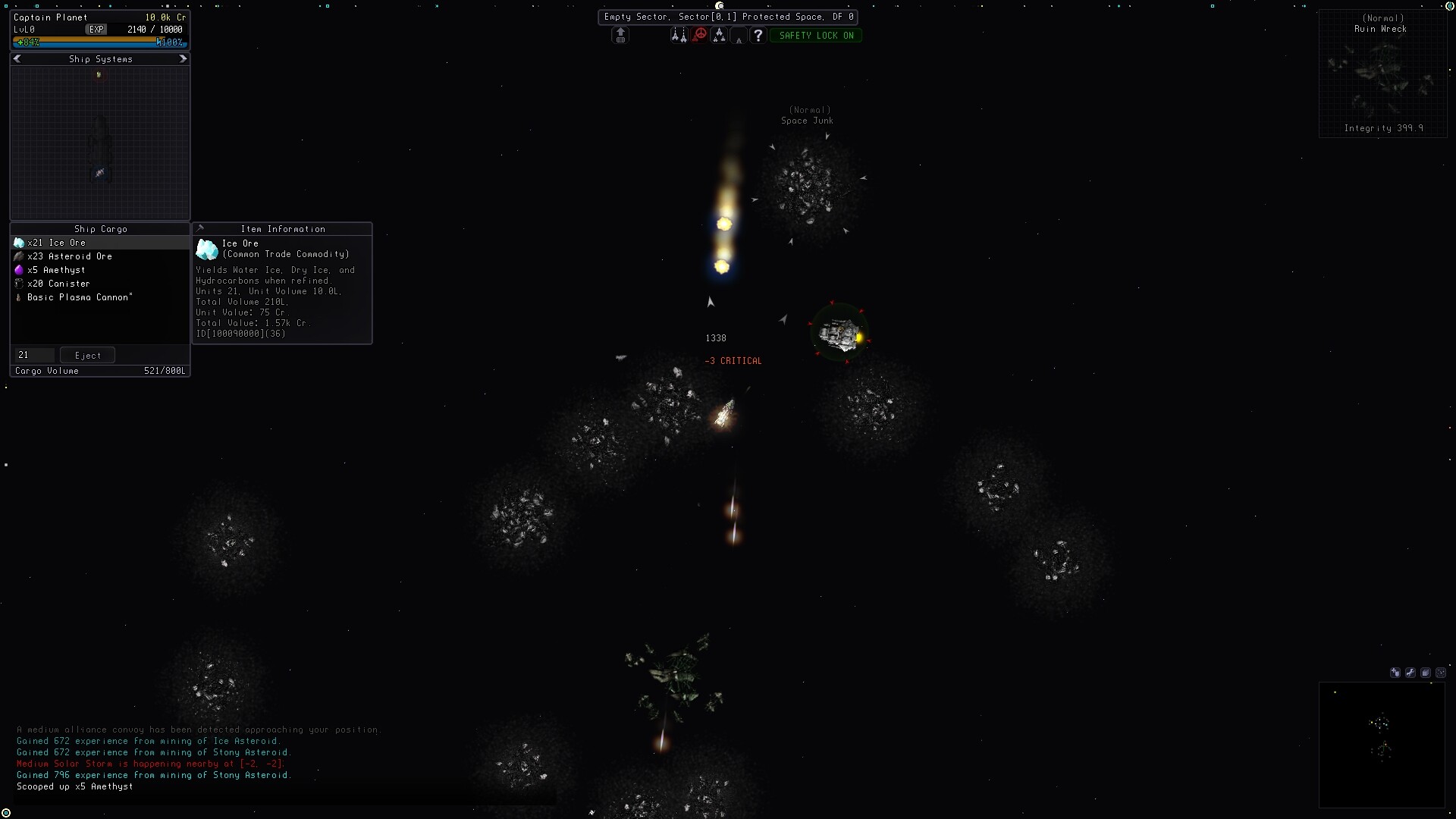
Sector Space screenshot: ship firing a mining beam into a cluster of asteroids in an Empty Sector.

Find your Sector Space answer

Start your Sector Space run here

New save setup, first-class choice, and the level-5 Yacht reward.

  • Beginner guideStarter Skiff, class pick at Skill Training, first Yacht fit, and scan for early XP.

Ships, classes, and fleet

Four hard-coded classes, slot colors, secondary skills, and fleet growth.

  • Ship and fleet guideProprietor, Infiltrator, Templar, Sentinel roles plus slot colors and skills.

Mining, crafting, and gear tiers

Asteroid → refinery → factory → fabrication bay plus the four tier systems.

  • Mining and crafting guideBeams, the four mining skills, weapons categories, and modifier examples.
  • Tier list explainedEquipment Tier, Sector Tier, Modifier Tier, and Quality at a glance.

Exploration, combat, and factions

Jump Drives, wormholes, Anomalous regions, and the damage formula.

  • Exploration and travel guideContinuous sectors, Jump Drives, Player Gateways, Wormholes, and Anomalous regions.
  • Combat, bosses, and lootDamage formula, weapon categories, faction hostility, and Boss drops.

Trading, salvage, colonies, and mods

Trade Bays, Disassembler, Colonies, Stations, Drones, and SSFML install.

  • Trading and salvage guideNegotiation and Commerce math, Salvager weapons, and Disassembler recycling.
  • Colonization, stations, and dronesExtractors, Colonies, Stations, Drones, and the per-system deployment cap.
  • Mod loader install guideSSFML jar, Java 25, mods folder, mod_list.cfg, and Steam launch option.
Game
Sector Space (single-player)
Platform
Steam
Genre
2D space sandbox, retro pixel art
Each save
One procedurally generated galaxy

Start with the essentials
Sector Space screenshot: ship firing a mining beam into a cluster of asteroids in an Empty Sector.
Beginner guide: first save, scans, and goalsPick a class at Skill Training, swap gear at nearby stations, and scan aggressively for early XP.
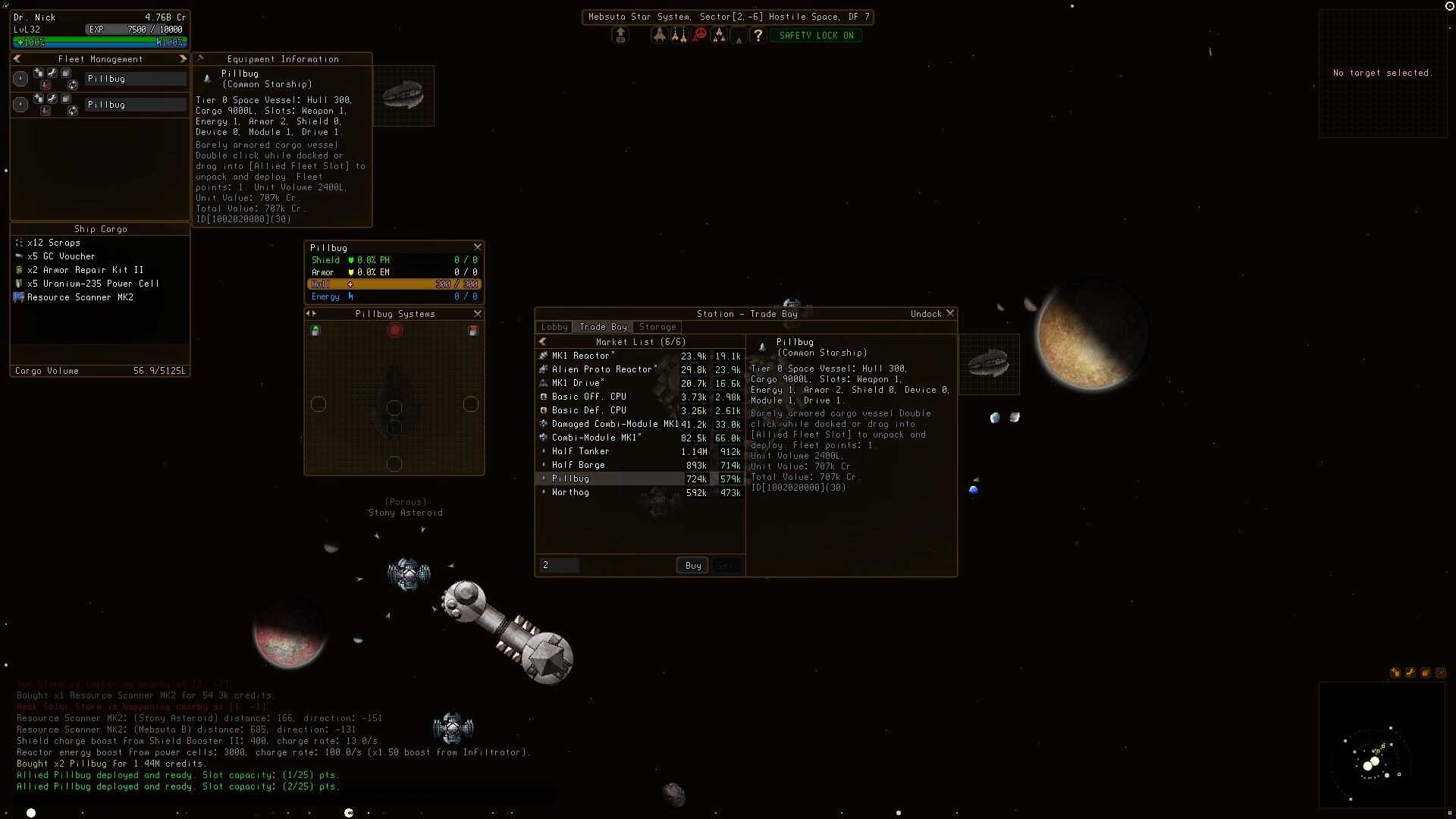
  • Sector Space screenshot: Fleet Management window with two Pillbug hulls and Trade Bay Storage equipment panel.
    Ships, classes, and fleetFour classes, slot colors, secondary skills, and the Skiff-to-Dreadnaught path.
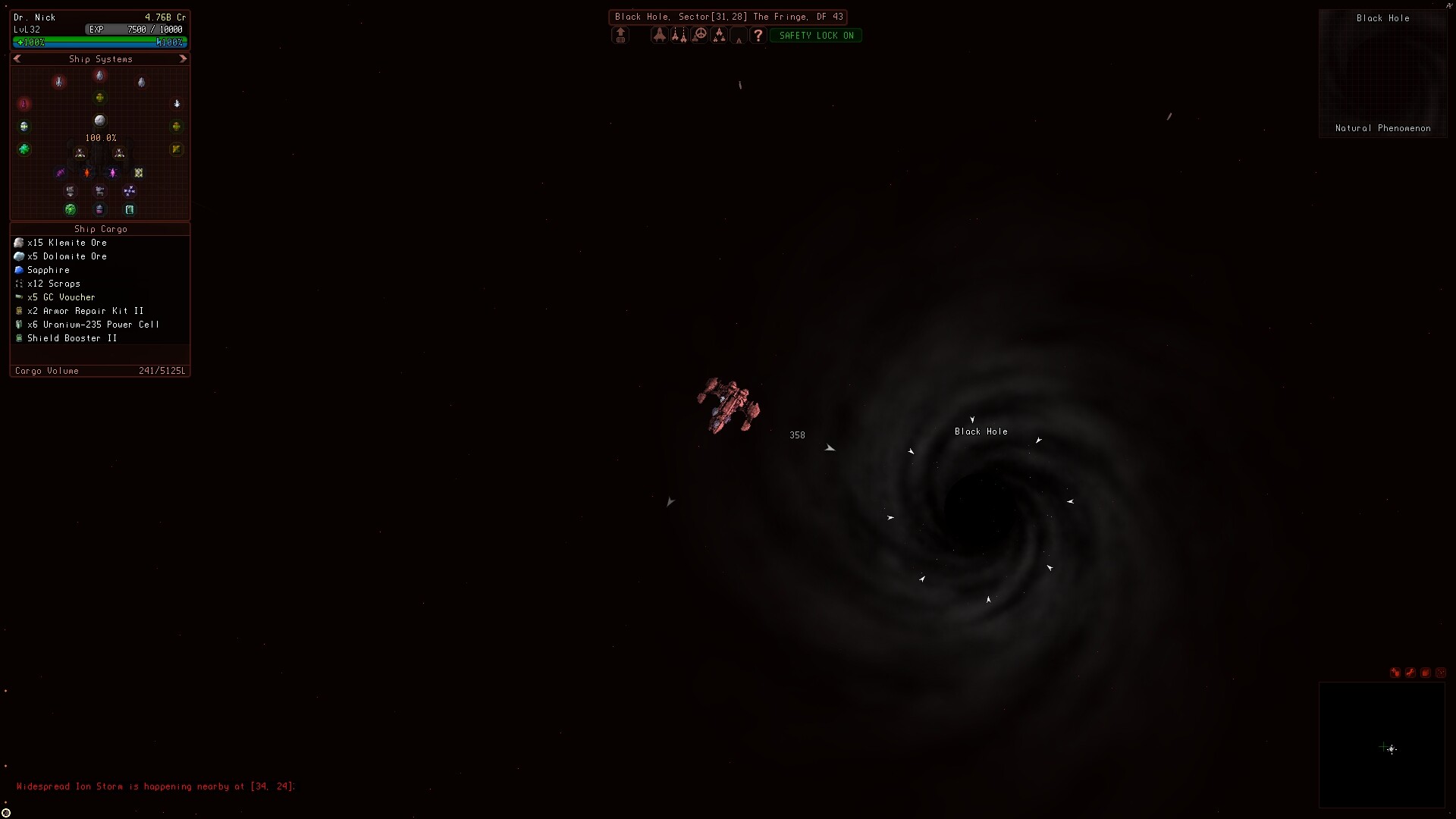
  • Sector Space screenshot: player ship approaching a Black Hole in the Black Hole Sector.
    Exploration and travelContinuous sectors, Jump Drives, Player Gateways, Wormholes, and Anomalous regions.
About this guide and recent updates

Sector Space is a single-player 2D space sandbox where each save is one procedurally generated galaxy. Start with the Beginner guide, then pick the path that matches your question: ships and fleet, mining and crafting, exploration, combat, trading and salvage, colonies and stations, tier list, or SSFML mods.

More context

The wiki skips platform speculation, build advice that is not backed by verified sources, and procedurally generated luck claims. Every answer on these pages traces back to a confirmed in-game mechanic, official store page, or the explicit game source documented in the article.

Recent updates

Sector Space beginner guide: your first savePick a class at a Skill Training station, swap gear at nearby stations, and scan aggressively for early XP.Sector Space colonization guide: planets, stations, and dronesColonies, player-owned Stations, and Drones share one deployment rule set: each sits in a Sector, respects the local system cap, and rewards a player who plans the drop site.Sector Space combat guide: damage math, bosses, and lootRead the damage formula, learn the six weapon categories, plan around faction hostility, and prepare for Boss and Elite drops.Sector Space exploration guide: travel, jump drives, anomaliesRead the galaxy map, understand Sector Tier and Danger Factor, and pick a travel method between Jump Drives, Player Gateways, and Wormholes.Sector Space mining guide: beams, skills, and craftingBeam an asteroid, scoop the ore, refine into elements, run Factories, and use Fabrication Bays for ships and equipment.

Related Pages

Sector Space beginner guide: your first savePick a class at a Skill Training station, swap gear at nearby stations, and scan aggressively for early XP.Sector Space ship guide: classes, slots, and skillsPick the right class, fit the slots on each hull, and slot secondary skills to specialize; the same Skiff can grow into a leveled Yacht, Corvette, and Dreadnaught.Sector Space mining guide: beams, skills, and craftingBeam an asteroid, scoop the ore, refine into elements, run Factories, and use Fabrication Bays for ships and equipment.Sector Space exploration guide: travel, jump drives, anomaliesRead the galaxy map, understand Sector Tier and Danger Factor, and pick a travel method between Jump Drives, Player Gateways, and Wormholes.Sector Space combat guide: damage math, bosses, and lootRead the damage formula, learn the six weapon categories, plan around faction hostility, and prepare for Boss and Elite drops.Sector Space trading guide: prices, skills, salvage, and gearStack Negotiation and Commerce for trade runs, pull Ancient Debris with a Salvager weapon, and feed spare loot into a Disassembler.Sector Space colonization guide: planets, stations, and dronesColonies, player-owned Stations, and Drones share one deployment rule set: each sits in a Sector, respects the local system cap, and rewards a player who plans the drop site.Sector Space tier list explainedRead Equipment Tier, Sector Tier, Modifier Tier, and Quality together to judge any drop on sight.Sector Space mods: SSFML install, jars, and the mod listInstall Java 25 and the SSFML jar, drop mod jars into the mods folder, enable each one in mod_list.cfg, and point Steam at the loader.